The crew scans the wall. You approve the room.
Nothing to install. The QR on every printed page opens the same wall in the phone's browser, in Armenian or Russian, and it keeps working without signal.
On a computer? Scan this with your phone to open the crew demo.
For the crew
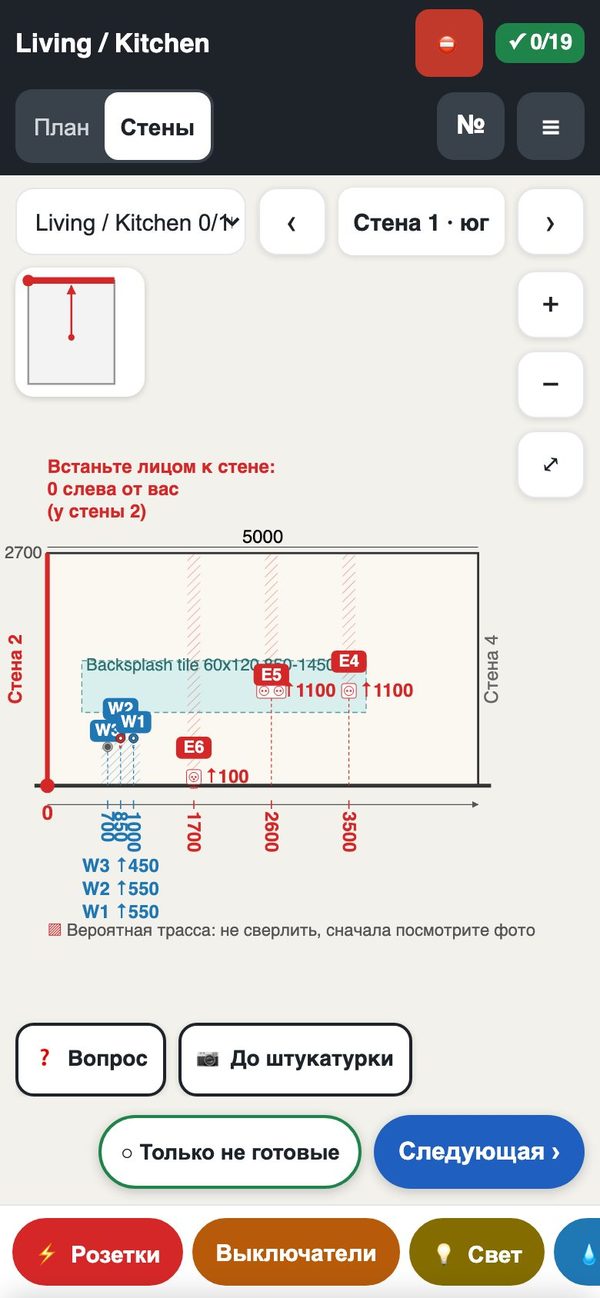
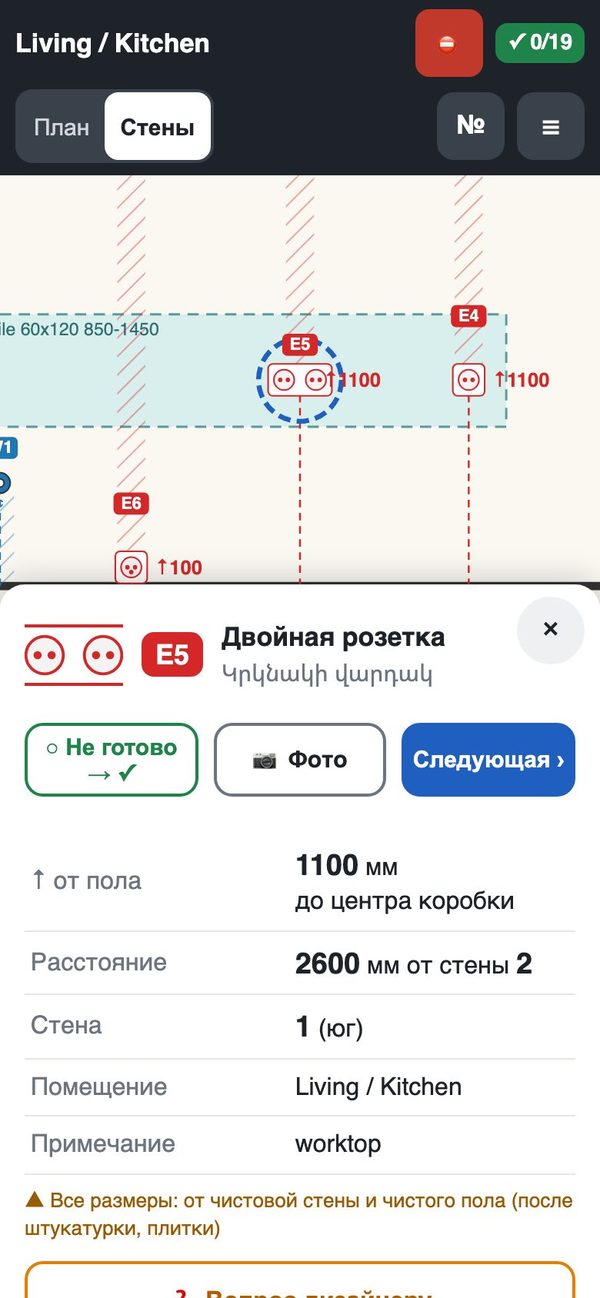
Their points on each wall with the height and the distance from the red 0 corner. Tap a point: done, photo, question. “Next point” walks them room by room. The electrician sees only electric points, the plumber only water and heating.
For you
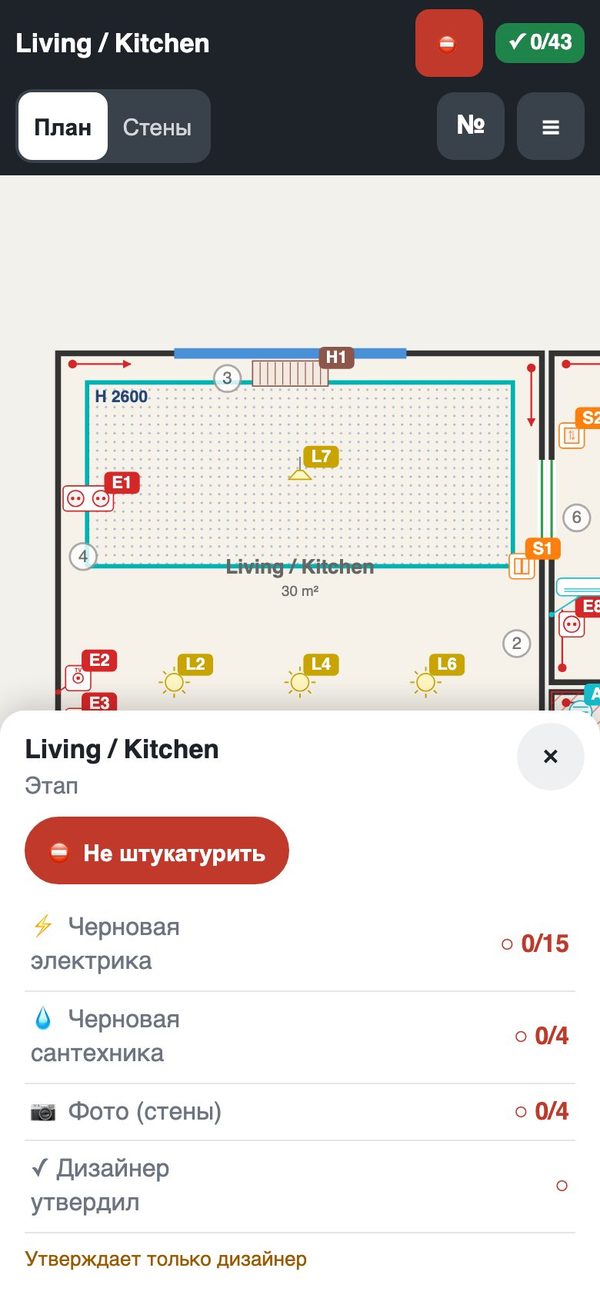
A room is red “do not plaster” until the rough-in is ticked and every wall with a point is photographed. Then it waits for you: approve, or send it back with a note, from your phone. Questions arrive with a photo and open the exact point. The wall photos of hidden work stay with the project.
For your client
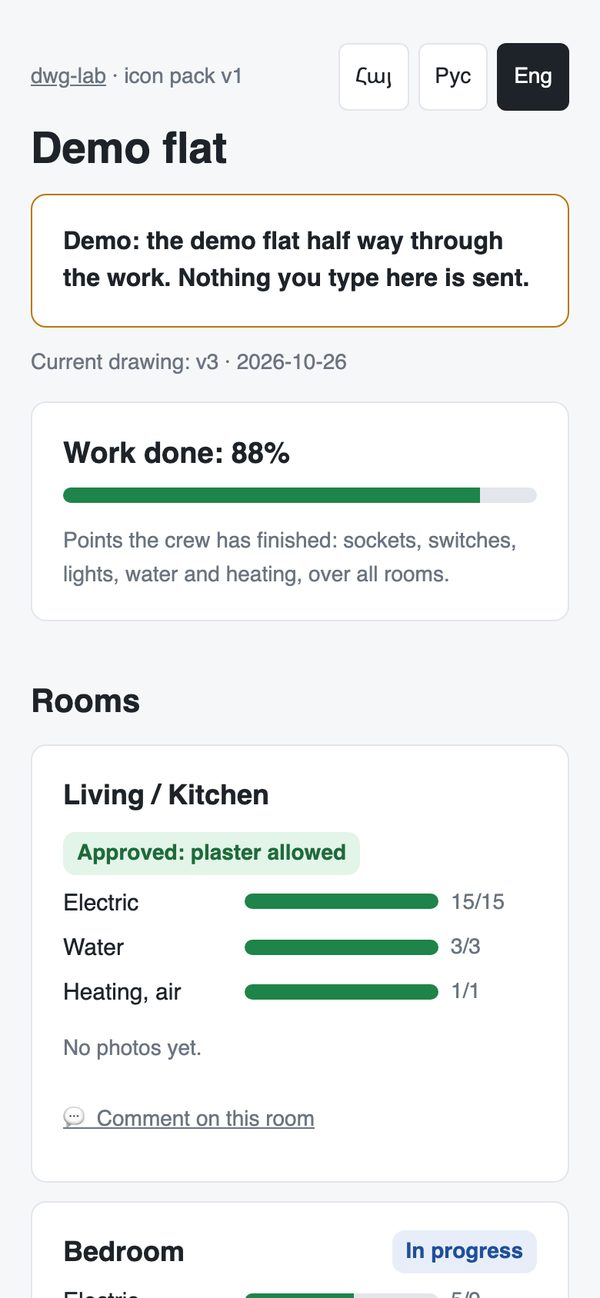
A separate read-only link you make on your project page: progress per room, the photos you allow, what changed between versions in plain words, comments to you, and the client estimate if you turn it on. Turn a link off at any time.
Who sees what
- DesignerThe plan, the book and every version; Prices and the estimate; The crew's questions, photos and rooms ready for approval; The client's comments. Sees everything.
- CrewTheir points on each wall, heights and distances in mm; Done ticks, photos, questions; What changed in the new version. Never sees prices or the client's comments.
- ClientProgress per room and stage; The photos you allow; Changes per version in plain words; The client estimate, if you turn it on. Never sees internal notes, crew questions or your prices beyond the client estimate.