One block kit and one command
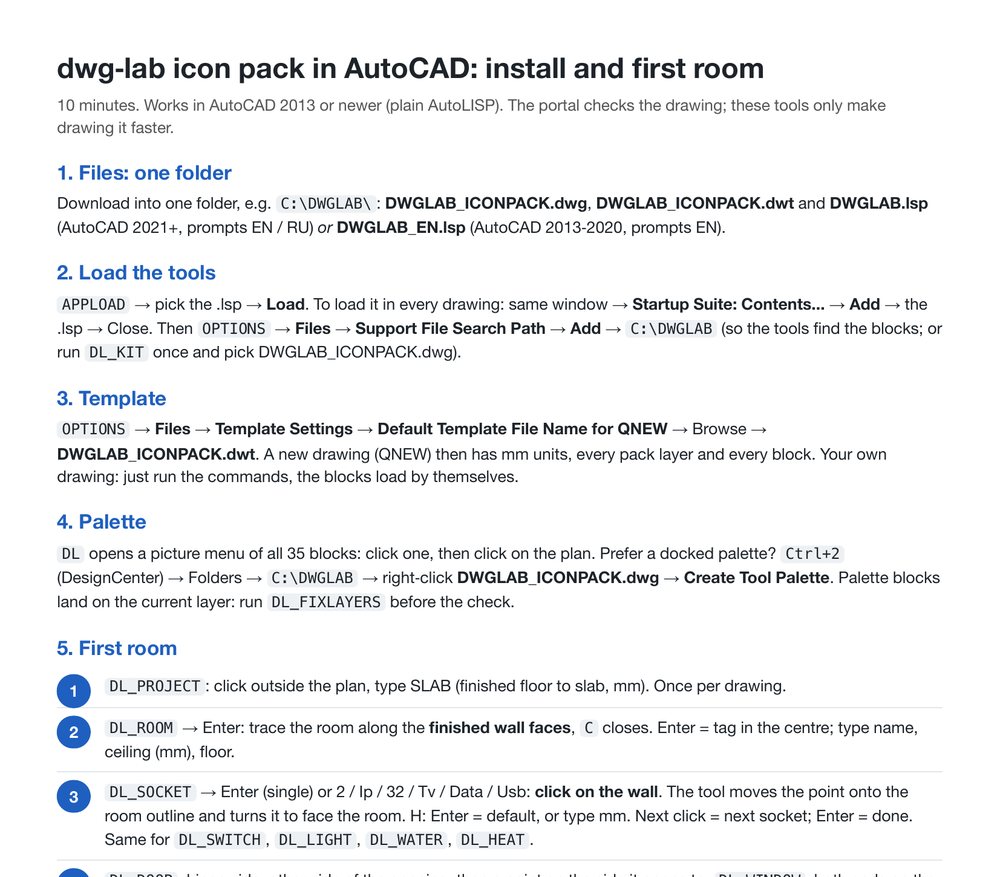
35 blocks, a template and a small AutoLISP file. Ten minutes to install. Type DL, pick a socket, click on the wall: it lands on its layer, faces the room and asks for the height.
AutoCAD 2013 or newer. DWGLAB.lsp for AutoCAD 2021 and newer (prompts in English or Russian), DWGLAB_EN.lsp for 2013 to 2020. Tested in AutoCAD 2024 and 2026.
Install in four steps
Unzip into one folder
DWGLAB_KIT.zip into, for example, C:\DWGLAB. Everything the tools need is inside.
Load the tools
APPLOAD, pick the .lsp, Load. Add it to the Startup Suite in the same window to have it in every drawing.
Set the template
OPTIONS, Files, Default Template for QNEW: DWGLAB_ICONPACK.dwt. New drawings start in mm with every pack layer and block. In your existing drawings just run the commands: the blocks load by themselves.
Type DL
A picture menu of all 35 blocks. Click one, then click on the plan.
The commands
| DL | Picture menu of every block |
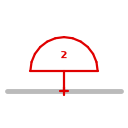
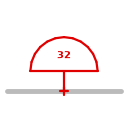
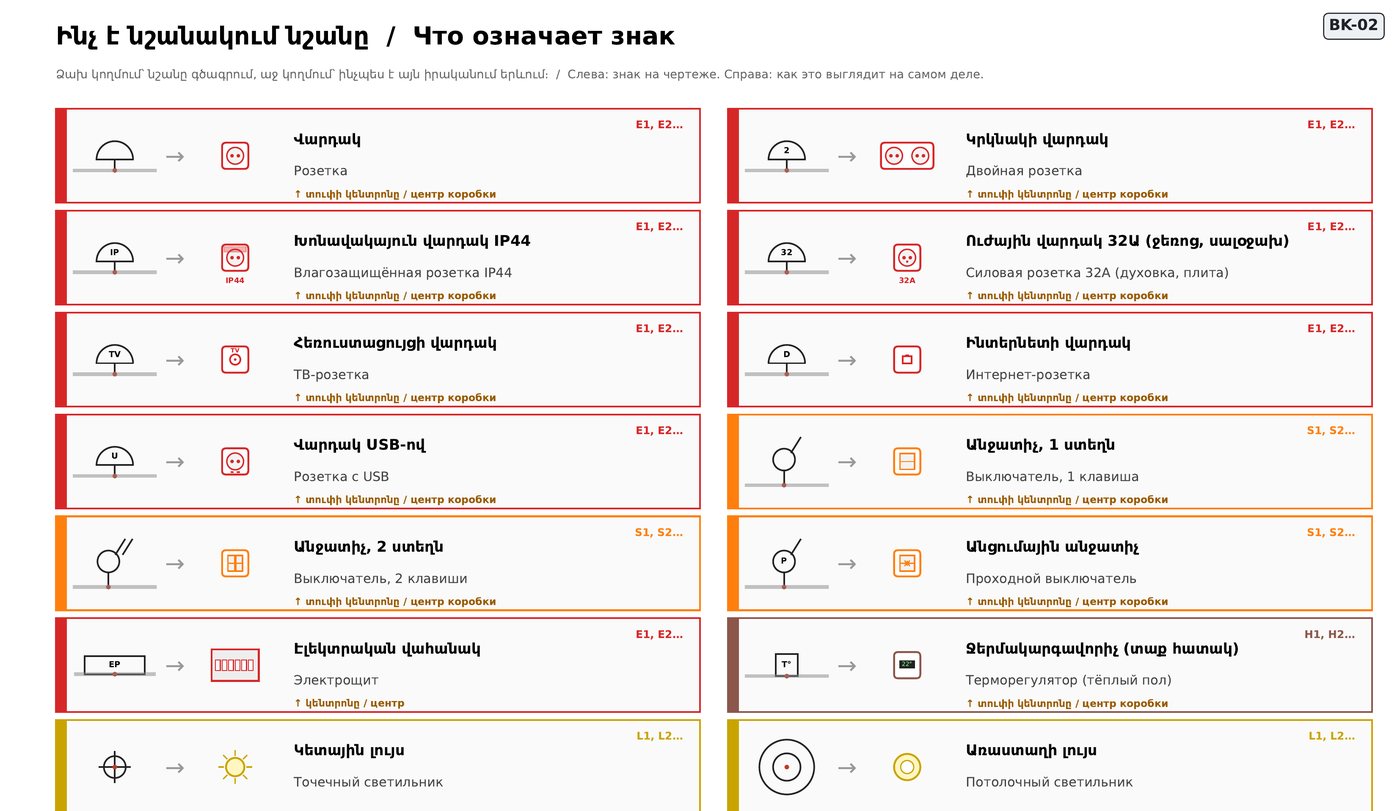
| DL_SOCKET | Sockets: single, double, IP44, 32A, TV, data, USB |
| DL_SWITCH | Switches: 1, 2 keys, pass-through, dimmer |
| DL_LIGHT | Spot, ceiling, pendant, wall light, track |
| DL_WATER | Cold, hot, drain, toilet, floor drain, washer |
| DL_HEAT | Radiator, towel dryer, AC, vent, thermostat |
| DL_ROOM | Room outline and tag: name, ceiling, floor |
| DL_PROJECT | Slab height, once per drawing |
| DL_CHECK | Quick check in AutoCAD before you upload |
| DL_FIXLAYERS | Moves every block to its layer |
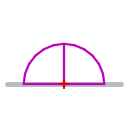
Some of the 35 blocks








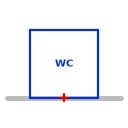


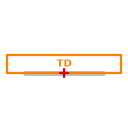
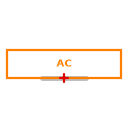

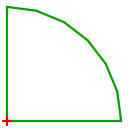
Every file
The .zip has everything. The single files are here for updates.
- ZIPEverything for AutoCAD in one .zip: template, blocks, AutoLISP tools, guides (unzip into one folder)DWGLAB_KIT.zip
- DWTTemplate: start every new drawing from it (mm, all pack layers and blocks, empty)DWGLAB_ICONPACK.dwt
- PDFGuide: rules, all icons, layers, example (PDF, 7 pages)ICONPACK_GUIDE.pdf
- LSPAutoLISP tools for AutoCAD 2021+: DL picture menu, DL_SOCKET, DL_ROOM, DL_CHECK... (prompts EN / RU)DWGLAB.lsp
- LSPThe same tools for AutoCAD 2013-2020 (prompts in English)DWGLAB_EN.lsp
- PDFInstall the tools + first room in 5 commands (PDF, EN / RU / HY)DWGLAB_INSTALL.pdf
- DWGBlock library with a legend sheet (copy blocks from it, or make a DesignCenter tool palette of it)DWGLAB_ICONPACK.dwg
- ZIPBlock icons, PNG 128 px (for your own palette)DWGLAB_ICONS.zip
- DWGExample flat drawn with the pack (has 2 mistakes on purpose)demo_flat.dwg
- PDFWhat the crew gets from that example (PDF)WORKER_SHEETS_demo.pdf
- XLSXSchedules from that example (Excel)demo_flat_schedules.xlsx