Plan the points in a browser. No AutoCAD needed.
Like a light AutoCAD made only for points: measure the flat with a tape on the phone, mark sockets, switches, lights, water and heating on a computer, and make the same book as from a DWG.
1. Measure on the phone
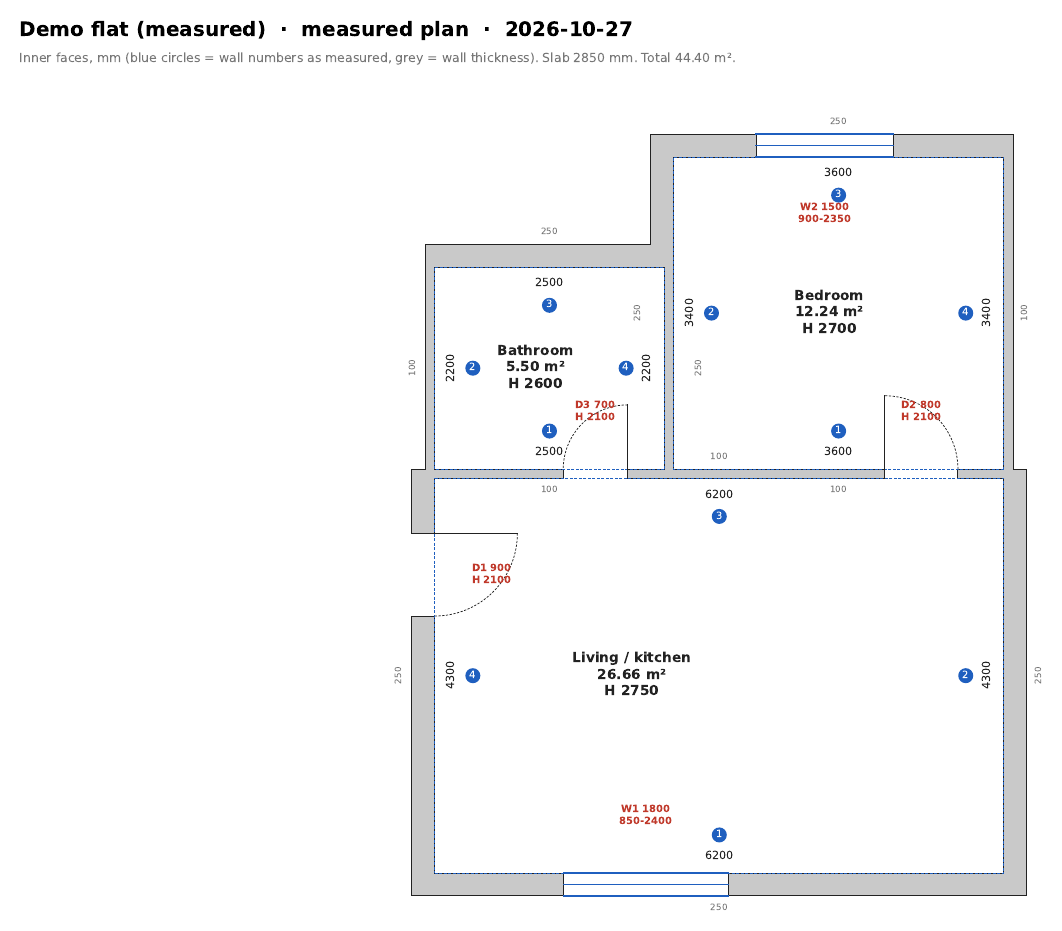
Room by room: a direction, then left, straight or right turns and the lengths from the tape or the laser meter. The room closes itself when the last wall meets the start; a gap is shown in mm with the walls to measure again. Doors and windows are placed as “800 mm from wall 2”, like on the sheets.
2. Mark the points
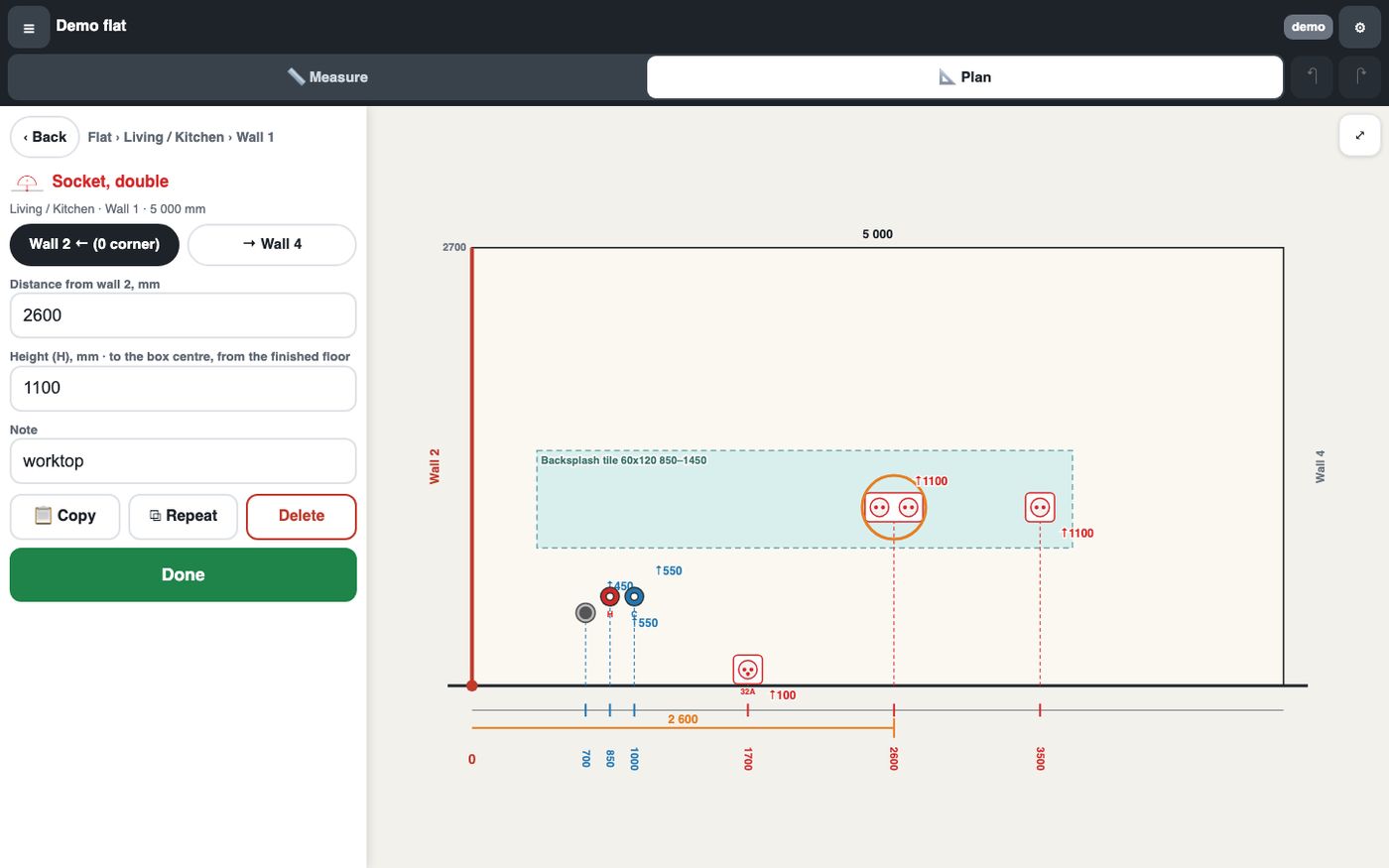
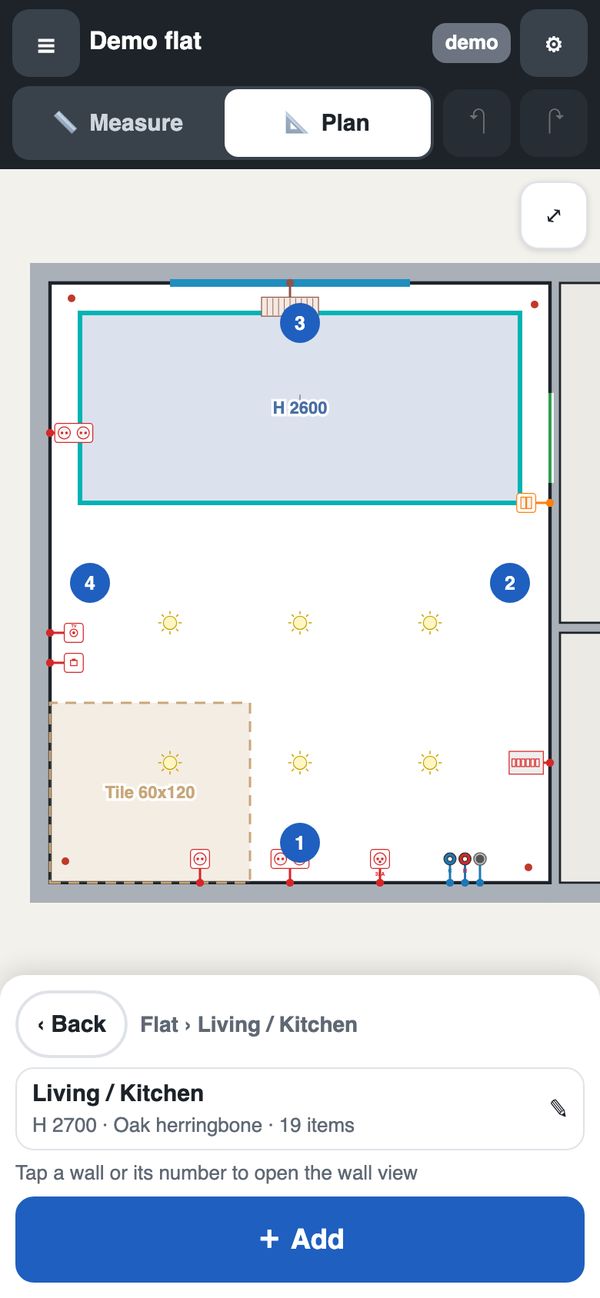
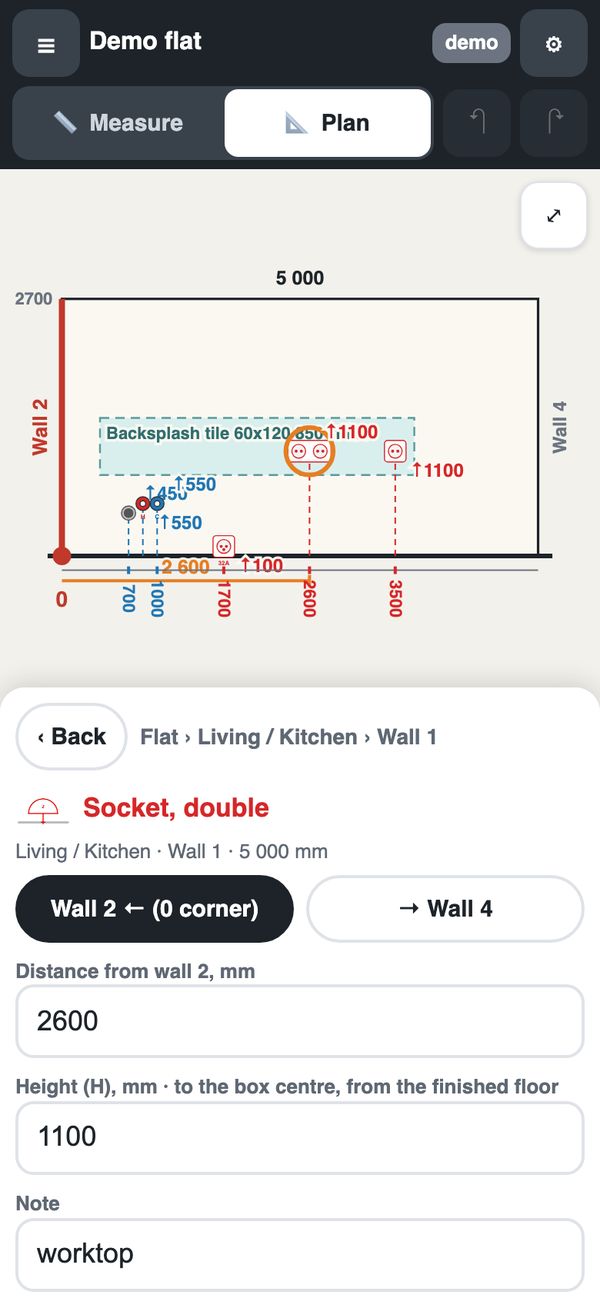
Tap a room, then a wall. Pick from the same blocks as the AutoCAD kit, then type “N mm from wall X” and the height. Warnings appear while you place: a socket too low, a switch at a door edge, a point inside a window. On a computer the palette, the plan and the wall sit side by side, with keys for copy, undo and nudge.
3. Make the book, or go on in AutoCAD
“Make the book” runs the same check and makes the same pages as an upload. “Download DWG” works at any time: a drawing in our block standard that opens in AutoCAD with the kit, so you can finish it there and upload it as the next version.
It works both ways
A plan started here can be finished in AutoCAD. A DWG drawn in AutoCAD opens here for small fixes, and you download your own file back with them. Walls, rooms, doors and windows of an AutoCAD drawing stay locked here: they are changed in AutoCAD.
A small fix without AutoCAD, and your own DWG back