From an empty flat to the last approved room
Six steps on one project. Start at any of them: with a tape in an empty flat, or with a DWG you already have.
Measure
You or a measurer: Phone
Walk each room with a tape or a laser meter and type the lengths on the phone.
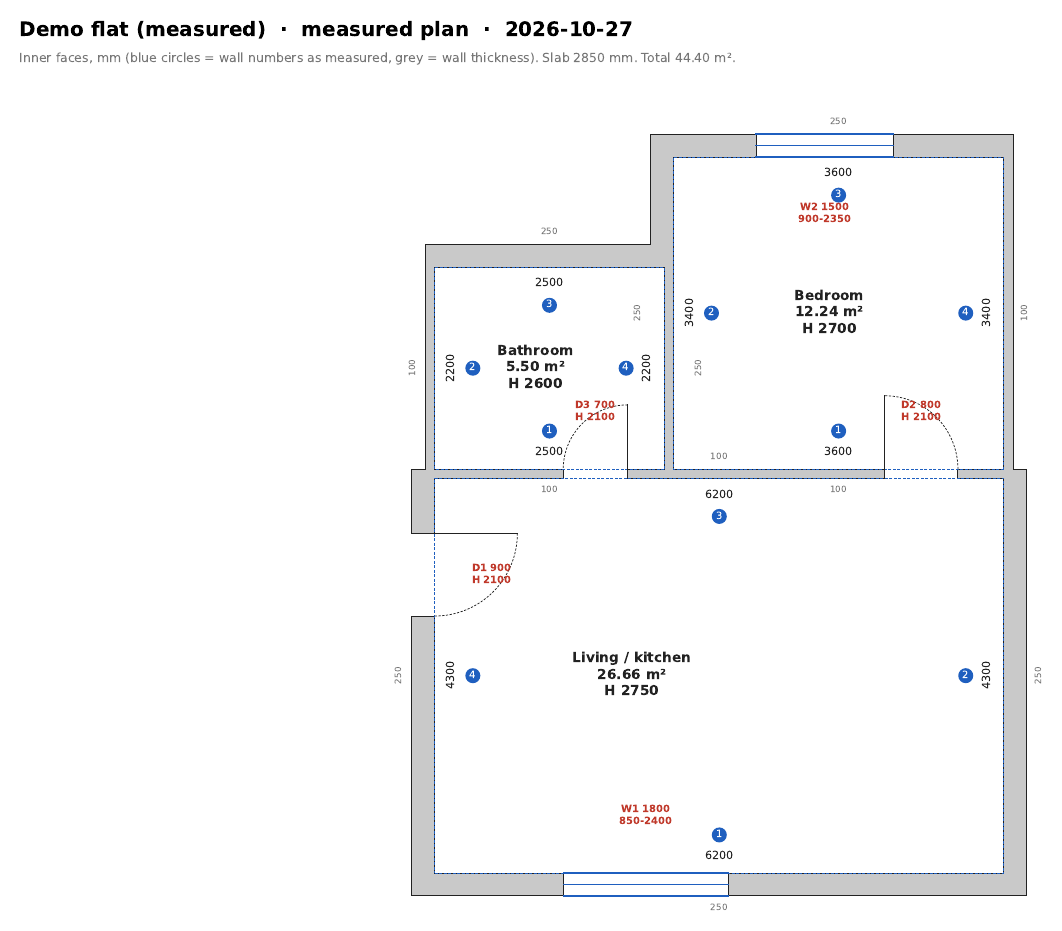
Measure: Walk each room with a tape or a laser meter and type the lengths on the phone. Plan or AutoCAD
You: Website or AutoCAD
Mark the points on our website, or open the DWG in AutoCAD and use the kit.
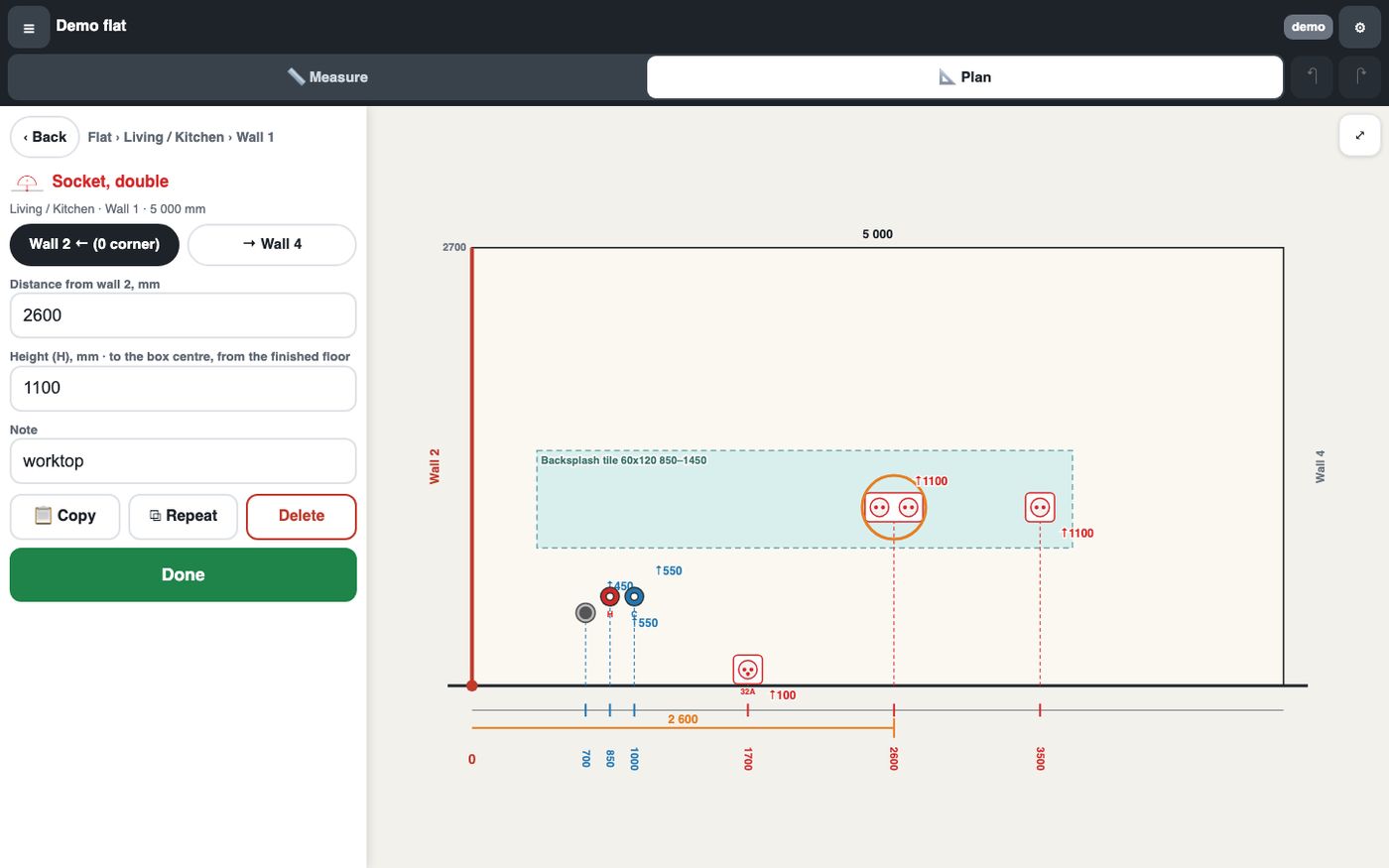
Plan or AutoCAD: Mark the points on our website, or open the DWG in AutoCAD and use the kit. Book
dwg-lab: About two minutes
The check runs, then the worker book, the packs, the schedules and the estimate are made.
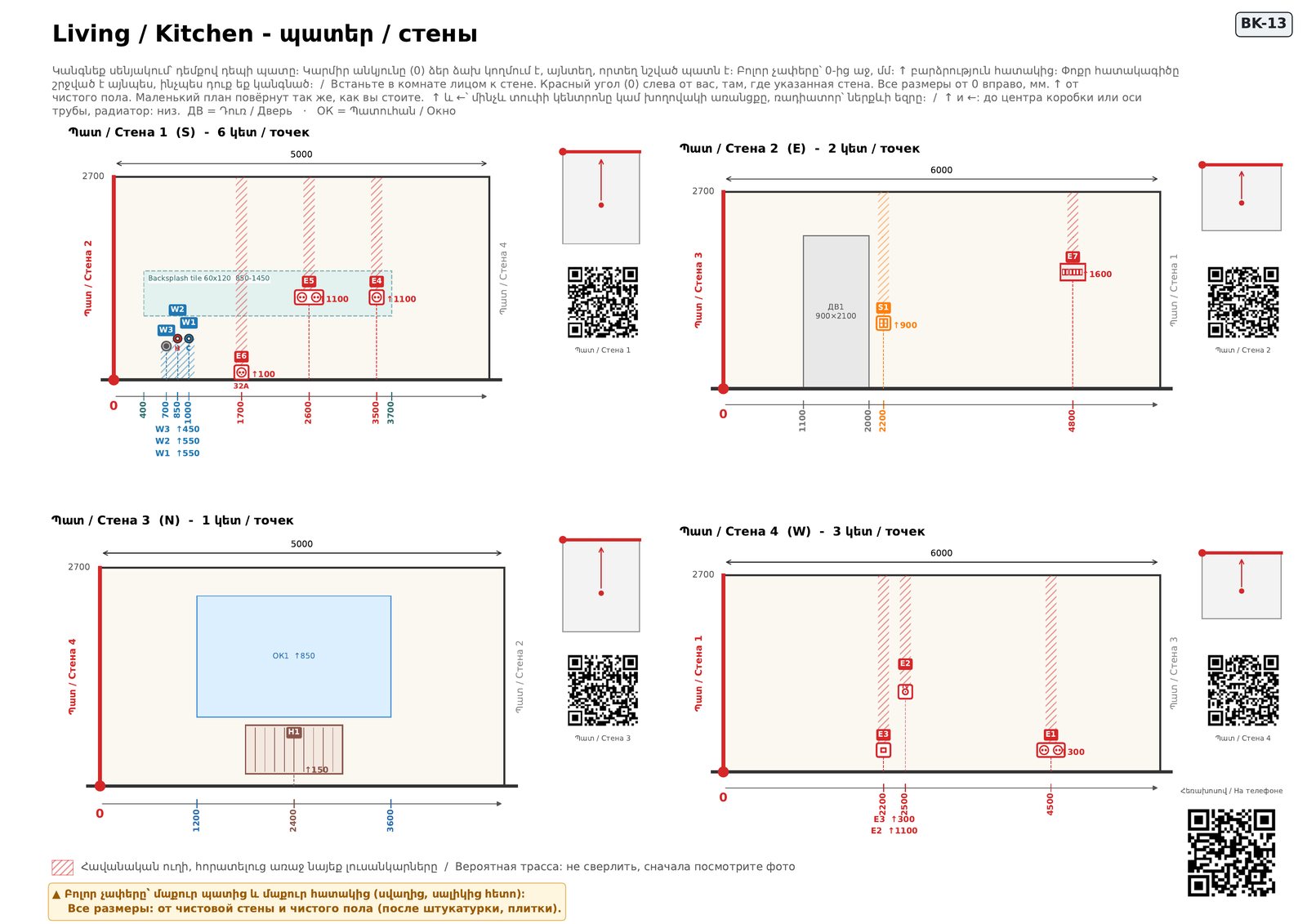
Book: The check runs, then the worker book, the packs, the schedules and the estimate are made. Site app
The crew: Phone, QR
The crew scans the QR, ticks points, adds photos and asks questions.
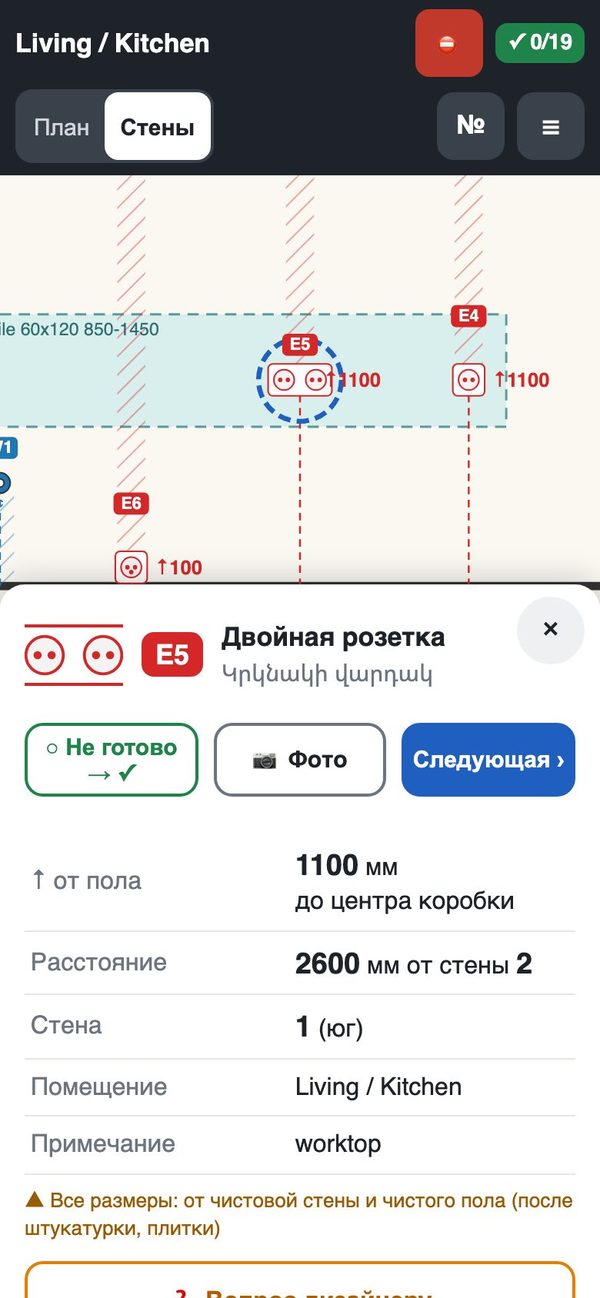
Site app: The crew scans the QR, ticks points, adds photos and asks questions. Changes
You: Upload the next version
The next version gets a change sheet. Only the changed points are checked again.
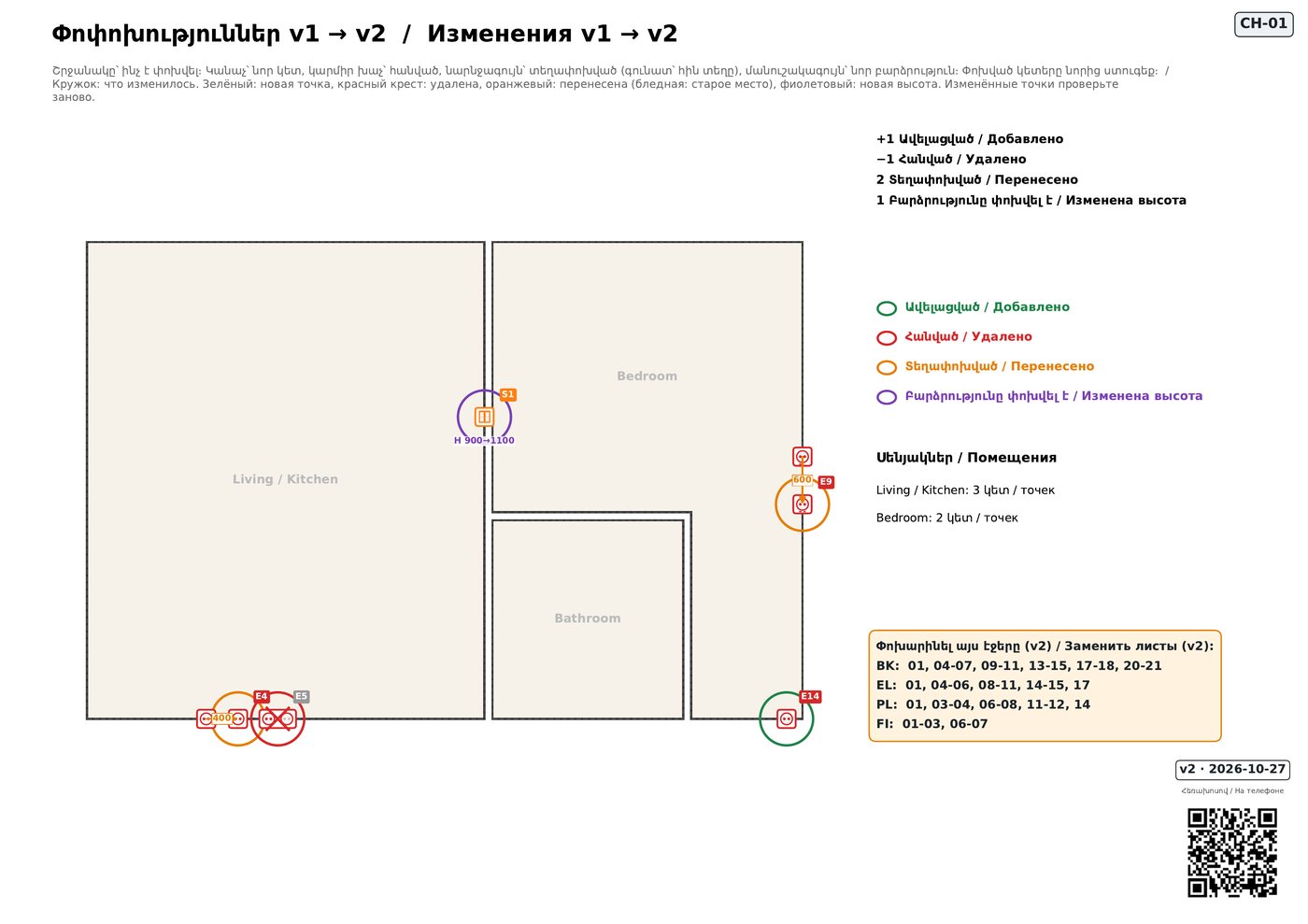
Changes: The next version gets a change sheet. Only the changed points are checked again. Handover
You: Phone
Every room approved, the photos of hidden work kept with the project.
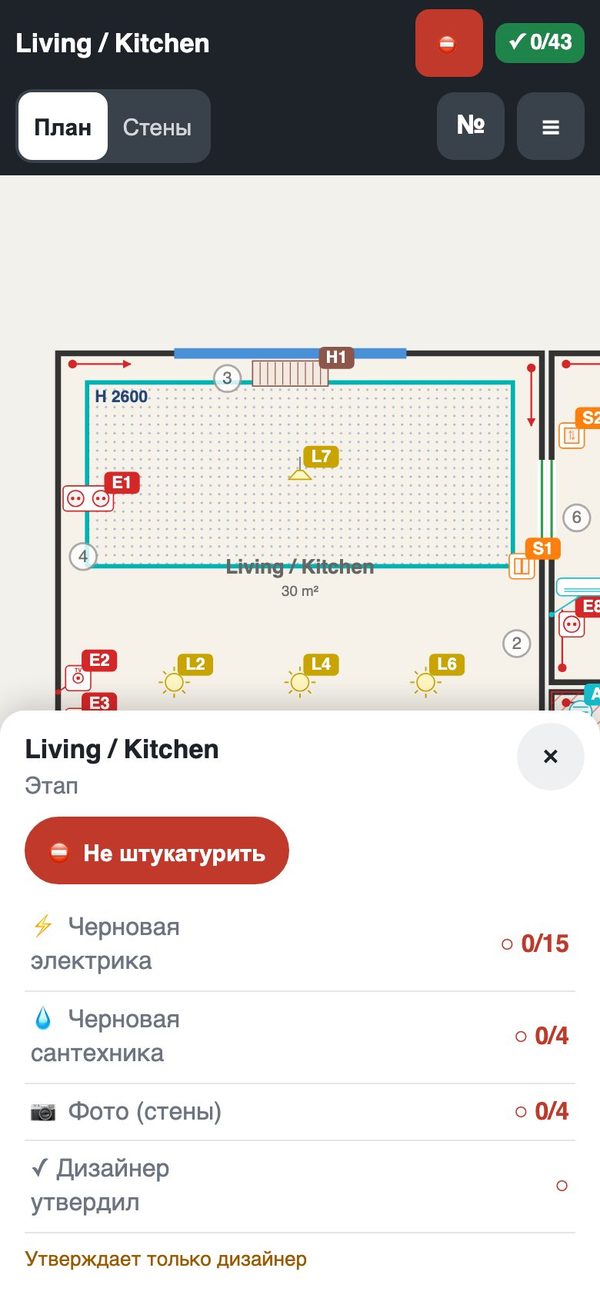
Handover: Every room approved, the photos of hidden work kept with the project.
Three people, one project
Each one opens their own link and sees only what is theirs.
- Designer
- The plan, the book and every version
- Prices and the estimate
- The crew's questions, photos and rooms ready for approval
- The client's comments
- Crew
- Their points on each wall, heights and distances in mm
- Done ticks, photos, questions
- What changed in the new version
- Client
- Progress per room and stage
- The photos you allow
- Changes per version in plain words
- The client estimate, if you turn it on
The crew and the client use it free, through your links. No sign-up for anyone.
Where do you start?
I already have a DWG
Add our blocks for the points and upload it. The check tells you what is missing.
From AutoCADI have an empty flat
Measure it on the phone room by room. You get a plan you can finish on the website or in AutoCAD.
Web planner